
Brick Monorail
Parametric Lego-compatible monorail tracks, designed specifically for 3d printing. Orders of magnitude cheaper than buying used.
You can also generate your own custom rails with any radius, length, or if you feel bold, even splines.
| Preset | Material Cost | Time | Min. Bed Size | Solid | Classic |
|---|---|---|---|---|---|
| C15 | tbd | tbd | 112mm² | 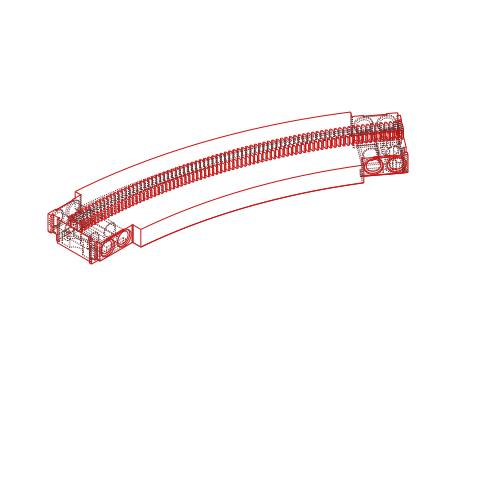 |
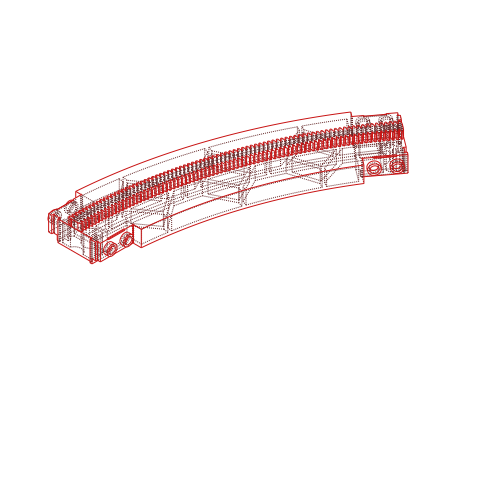 |
| C7 | tbd | tbd | 63mm² | 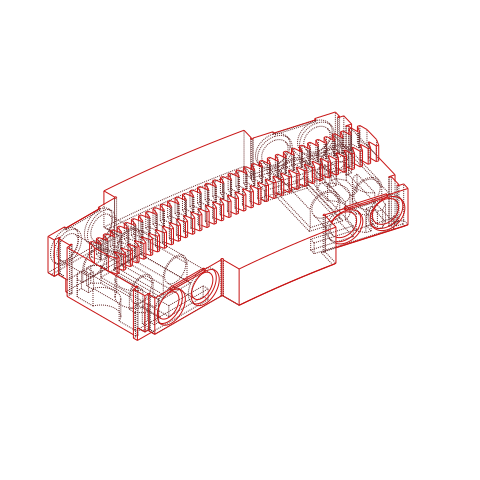 |
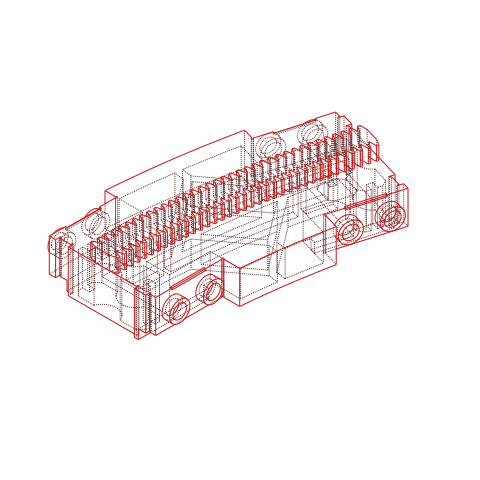 |
| S25 | tbd | tbd | 165mm² | 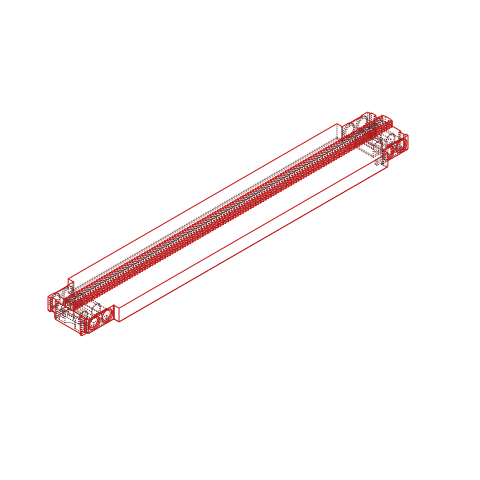 |
 |
| S10 | tbd | tbd | 80mm² | 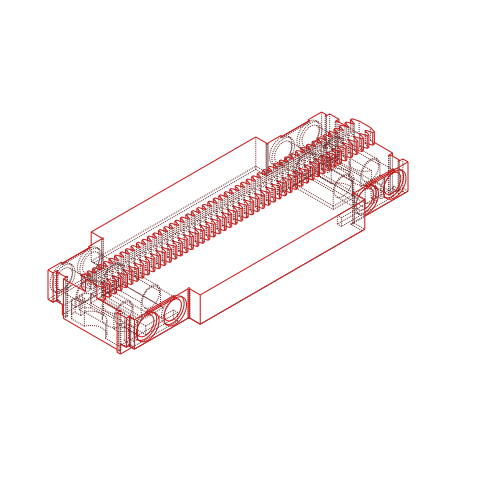 |
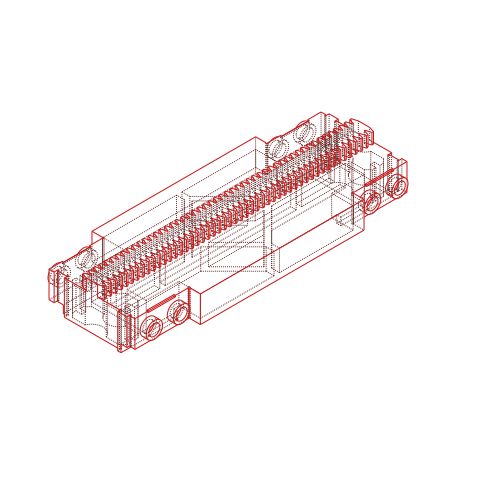 |
| S5 | ~12ct | ~25m | 52mm² | 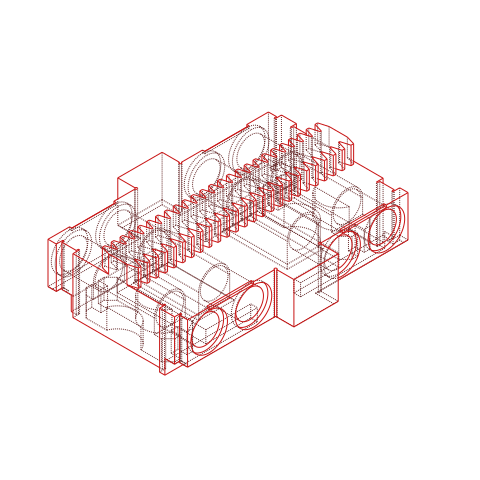 |
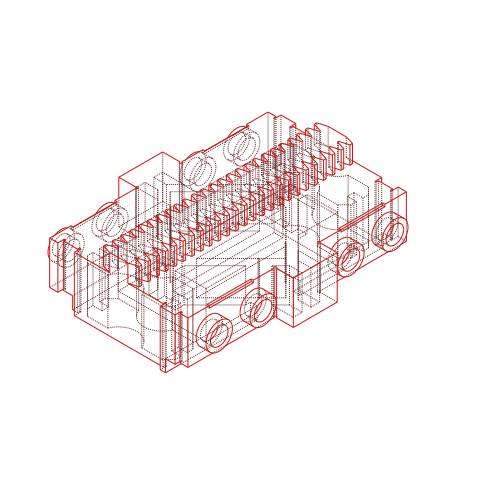 |
| S4 | tbd | tbd | 46mm² | 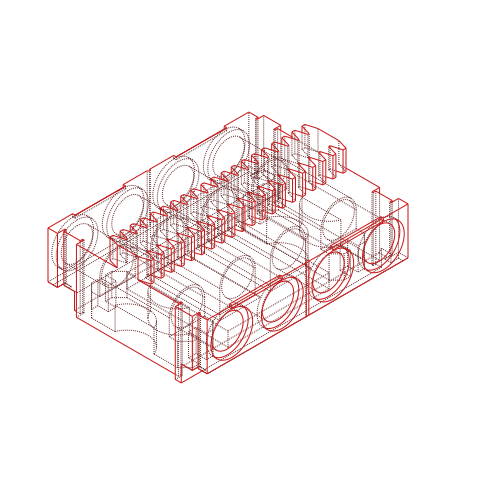 |
(broken) |
| Classic Long Straight | tbd | tbd | ~200mm² | (todo) | (todo) |
| Classic Short Straight | tbd | tbd | tbd | (todo) | (todo) |
Todo: ramps, switches, train assembly
Design Options
For now, I also use non-baseplate aligned joints for curves. While this means you can't just snap the rails on a baseplate, it enables you to use straight rails at non-90 degree angles which I think is an absolute win over the original design since the 45 degree curves are useless outside of joining them with switches.
Solid/Support (preferred)


This one is optimized for 3D printing, with a single reusable support piece that is inserted about 5 minutes into the print for practically perfect bottom surfaces.
Requires additional attention:
- 1x printed PETG support. PETG does not stick to PLA, so it is vital you print this part in PETG.
- Enable ironing for a nice bottom rail finish
- Wait until the bed has cooled down. If you remove the thin support piece while the bed is still hot you can permanently bend the part.
- Before you start the print, place the PETG support piece on the heated bed with the ironed top face down. Leave it there until you insert it, this improves how well the next layer sticks to the support piece and prevents unwanted additional thermal expansion mid print.
- When you slice the main rail, look for the layer where it prints mid-air and add a pause. In Orca Slicer you can do that by right clicking on the layer slider on the right.
- About 5 minutes into the print (depending on your printer) your printer will pause. Take the support piece and place it so that the next layer will be laid down on the ironed top face. The piece should slide in with little to no resistance and barely move at all.
- In principle you can also just enable support instead of the reusable piece, but you won't get results even close to this.
- 8x 4274 technic pin with stud, because side studs print notoriously bad. This version comes with technic pin holes instead.
Solid


This one is optimized for 3D printing, with the rail solid and flush to the bed and inserts that are printed separately.
Requires additional pieces per rail:
- 2x printed standoff, these are inserted into the bottom, and need to be fixated there (glue, melting). If you don't use any original Monorail tracks you can also simply place a 2x2 plate there (this changes the height).
- 8x 4274 technic pin with stud, because side studs print notoriously bad. This version comes with technic pin holes instead.
Classic

Uses the classic design, very close to the injection moulded parts.
PETG/PVA support interface is mandatory to get decent results.
Operating on R25 instead of R28
What difference do these three studs make?
With this radius we can take advantage of the pythagorean triples 3/4/5 and 7/24/25 to stay on the stud
grid with turntables.
- Curve C15
- Curve C7
- Straight S25
- Straight S12
- Straight S10
- Straight S5
- Straight S4
- Ramp I13
How it fits
- Two C15 and one C7 make exactly a 90 degree turn, where every part stays on the stud grid.
- An s-curve with C15 moves over 20 studs, diagonals can be done with any length divisible by 5
- An s-curve with C7 moves two studs, but diagonals require a full S25 to land cleanly again.
- An I13 moves up 5 bricks

Printing
To be compatible with standard bricks, the following print settings are strongly advised
| Setting | Value | Comment |
|---|---|---|
| Nozzle | 0.4 | this is equivalent to 1 LDU |
| Layer height | 0.2 | less than that is barely better and just causes more problems than it solves. If you want to go lower, it's advisable to use heights that satisfy 0.4 % h == 0 such as 0.1. |
| Initial layer height | 0.2 or 0.4 | |
| Supports | none | classic will still need supports |
| Ironing | top layers | this is optional, but makes a massive difference |
Make sure you have your flow and z offset calibrated perfectly. These parts have very small tolerances, it is absolutely vital you have this right or you will end up with parts that have insufficient or too high clamping force.
I print on a modified Voron 2.4 with toolchanger capability through Stealthchanger.
Filament
| Color | RAL | PLA Supplier | ABS Supplier |
|---|---|---|---|
| Light Bluish Gray | RAL 7040 |
dasfilament, Prusament | |
| Light Gray | RAL 7005 |
- None of these colors will be an exact match, just the texture of 3d printing it can make a huge difference, but usually fall close enough in the range.
- The original rails will be in Light Gray, not Light Bluish Gray, but since I barely own any pre- 2004 color change bricks I chose to match my other bricks instead.
Notes for newcomers:
- Most bricks are injection molded from ABS, however I find PLA to be much more easy and safe to handle.
- PLA starts to deform at 60°C, so don't leave it in the sun or in your car.
- PLA is brittle. While ABS deforms with force applied to it, PLA will just snap.
- ABS is harder to print, an enclosure is a must, and warping can be difficult to handle.
Printing Safety
In case you are new to 3D printing:
- Most filaments (including PLA) can release toxic gases when burned
- FDM printing can cause fine particle emission
- ABS when heated to normal printing temperatures can release styrene fumes